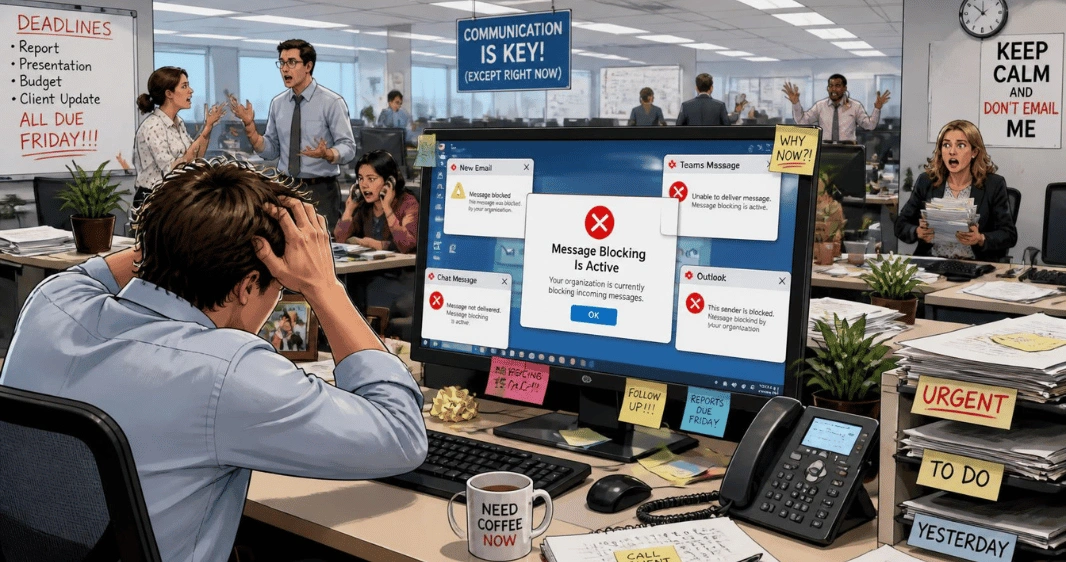
If your phone says “message blocking is active,” your text has been rejected somewhere among the messaging app, mobile line, recipient, and carrier. It doesn’t prove that the other person blocked you. Start by testing a plain text to another working number, then narrow down the problem before changing major settings.
| What to check | What it can tell you |
| One contact or everyone? | Helps separate a contact issue from a line or carrier issue |
| SMS, MMS, RCS, or iMessage? | Identifies which messaging service is failing |
| Mobile signal | SMS normally needs a working cellular connection |
| SIM or eSIM | The wrong or inactive line can stop outgoing texts. |
| Plan or account status | Messaging may be restricted or unavailable. |
| Blocked contacts | A saved block can affect one recipient. |
| Carrier restrictions | Account-level controls may reject messages. |
Short answer: The error means the network or messaging path refused your text. Test a plain SMS to another known-working number first. If one contact fails, check the number and blocked lists. If everyone fails, check your signal, SIM or eSIM, plan status, and carrier messaging restrictions before resetting anything.
What the Error Usually Means
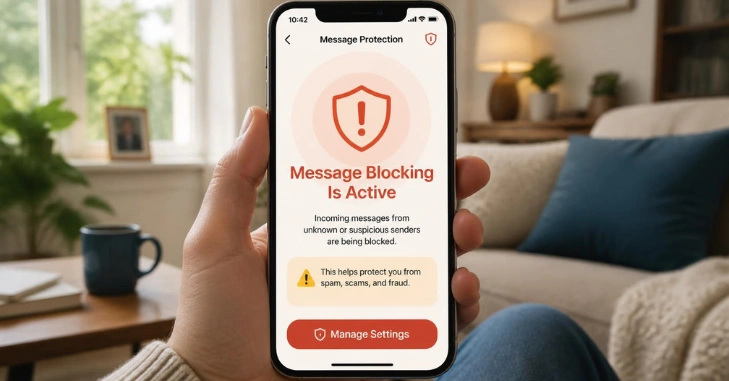
Message blocking is active. A modern phone may use several systems to send what appears to be a normal text. That distinction matters during troubleshooting. On an iPhone, blue messages use iMessage through Wi-Fi or mobile data. Green messages can use RCS, SMS, or MMS. Apple says SMS, MMS, and RCS depend on carrier support and an eligible messaging plan.
Android phones using Google Messages may also switch between RCS, SMS, and MMS. Google recommends checking carrier support, your balance or plan, signal, SIM installation, Airplane Mode, and the default messaging app when messages won’t send. This is why a working internet connection doesn’t always mean that ordinary SMS is working.
How to Fix Message Blocking Is Active
Work through these checks in order. Start with steps that don’t erase settings or change your account.
What you’ll need
- Your phone and its active SIM or eSIM
- Access to your carrier account, if available
- A second known-working phone number for testing
- Wi-Fi or cellular data for RCS and iMessage checks
1. Send a plain text to another contact.
Send a short text such as “Test” to a second person. If that message sends, the problem is probably limited to the original contact, number, or conversation. If every text fails, focus on your mobile line, carrier account, SIM, and messaging setup. This one-contact-versus-everyone test can save you from performing several unnecessary resets.
2. Verify the recipient’s number.
Check the complete phone number, including the country code when needed. Google recommends verifying the contact number and checking whether that contact has been blocked. Deleting and adding a problem contact again can also help rule out an incorrect saved entry.
3. Check your blocked contacts.
Open your phone’s blocked-number list and confirm that the recipient isn’t there. A block on either side can affect a specific conversation. Still, the error by itself doesn’t prove that the other person deliberately blocked you. Carrier and account restrictions can produce similar symptoms.
4. Check cellular service and airplane mode.
Look at your signal indicator and make sure airplane mode is off. Apple says SMS requires a cellular network connection unless it is sent via supported Wi-Fi Calling. RCS, MMS, and iMessage may use mobile data or Wi-Fi. If your wider connection is unstable, Technoloss’s Wi-Fi troubleshooting guide can help you separate internet trouble from carrier texting trouble.
5. Confirm the correct SIM or eSIM is active.
Dual-SIM phones can send messages from the wrong line. Check which line the conversation uses and confirm that the line is active, has service, and includes texting. If you recently changed SIMs, eSIMs, phones, or carriers, your mobile provider may need to confirm that the line is provisioned correctly. On Android, Google also advises making sure the SIM is inserted properly.
6. Check your plan, balance, and carrier restrictions
Sign in to your carrier account or contact support.Google specifically recommends checking whether your plan or credit balance allows you to send and receive messages. T-Mobile’s troubleshooting guidance also tells customers to check whether Message Blocking or Family Allowances are preventing messaging.Prepaid users should pay special attention to their account balance and plan expiration.
7. Separate SMS, MMS, RCS, and iMessage problems
Notice which type of message fails. If blue iMessages work but green texts fail, the problem may lie with the carrier’s SMS, MMS, or RCS rather than Apple’s iMessage service.
If RCS works but SMS doesn’t, don’t assume the phone is fully configured. RCS can travel through mobile data or Wi-Fi, while SMS uses carrier messaging. Google Messages shows whether a message is being sent through RCS, SMS, or MMS.
8. Restart and update the phone.
Restart the device after completing the earlier checks. On Android, update Google Messages and make sure it is the default texting app. Google lists both steps in its current troubleshooting guidance.
On iPhone, Apple also recommends restarting the device when Messages cannot send or receive texts. For more mobile-app guides, browse Technoloss’s Gadgets and Apps section.
9. Reset network or APN settings only if needed.
Save the more disruptive checks for later. Google recommends resetting APN settings to their defaults when MMS messages fail on Android. Apple recommends contacting your carrier when SMS, MMS, or RCS messages still won’t send after standard troubleshooting. If all ordinary SMS messages still fail, contacting carrier support is usually a better next step than performing a factory reset.
Use the Failure Pattern to Find the Cause Faster
| What happens | Start checking. |
| Only one contact fails. | Number, country code, blocked lists, contact record |
| Every plain SMS fails. | Plan, signal, SIM/eSIM, carrier restrictions |
| iMessage works, but green texts fail. | SMS, MMS, RCS, carrier provisioning |
| Texting works but photos or group messages fail. | MMS, mobile data, APN, group settings |
| RCS works, but SMS fails. | Carrier SMS service and active line |
| Problems began after changing phones. | SIM/eSIM, iMessage, or RCS registration |
This diagnostic table is more useful than trying random settings because the failure pattern narrows down the likely cause before you reset anything.
iPhone Checks That Matter Most
Apple’s current guidance separates iMessage from carrier-based messaging. If an iMessage fails, you may be able to tap the red exclamation mark and choose Send as Text Message. Apple also recommends checking your connection, restarting your phone, verifying the recipient’s details, and confirming your carrier supports SMS, MMS, or RCS. If all green messages fail while blue iMessages work, contact your network provider and ask them to verify that texting on your line is working.
Android Checks That Matter Most
For Google Messages, confirm that the app is up to date and set as the default texting app. Then check the SIM, mobile signal, airplane mode, carrier support, plan balance, and RCS status. If the issue affects one person, verify the number and blocked-contact list first.
Google also advises against repeatedly switching RCS chats on and off. Turning RCS off can remove you from some group chats, so use that step only when it matches the problem you’re trying to fix.
What T-Mobile Users Should Check
T-Mobile’s official troubleshooting page specifically mentions account-side message blocking. It advises checking message blocking or family allowances, your signal, your account balance for prepaid service, the recipient’s number, and blocked or spam lists. Its Android guidance also includes SMSC and APN checks for certain messaging problems. Carrier menus and account controls can change, so use the provider’s current support instructions rather than relying on an old screenshot.
What Not to Do First
Avoid turning a small texting issue into a larger phone problem.
- Don’t factory-reset your phone before checking with your carrier.
- Don’t install an app that claims it can bypass a carrier messaging restriction.
- Don’t assume one failed text proves that someone blocked you.
- Don’t repeatedly turn RCS on and off without a reason.
- Don’t change APN values to numbers copied from an unrelated carrier.
A third-party texting utility cannot normally remove carrier-level restrictions.
Get Your Texts Working Again
Start with the second-contact test. It tells you whether to investigate one conversation or your entire mobile line. Then move through the least disruptive checks: the number, blocked contacts, signal, active SIM, account status, and message type. If every carrier text still fails, contact your provider before resetting the phone. For more device fixes and practical tutorials, visit Technoloss’s How-to section.
Conclusion
The “message blocking is active” error does not automatically mean that someone has blocked your number. It can be caused by a blocked contact, incorrect phone number, inactive SIM or eSIM, weak cellular service, account restrictions, an expired prepaid plan, or problems with SMS, MMS, RCS, or iMessage.
The best approach is to troubleshoot in a logical order. First, send a simple text to another known-working number. If that message works, focus on the original contact, number, or conversation. If messages fail for everyone, check your cellular connection, SIM or eSIM, account status, messaging plan, and carrier restrictions.
Avoid immediately factory-resetting your phone or changing advanced network settings. In many cases, the problem is related to the carrier or mobile account rather than the handset itself. Once you identify whether the failure affects one contact, all SMS messages, or only a specific messaging service, the solution becomes much easier to find.
Frequently Asked Questions
No. It can happen if a contact is blocked, but the notification can also come from your carrier, plan, account restrictions, active line, or messaging configuration. Test another recipient before concluding.
iMessage uses internet data. SMS depends on carrier messaging and a working cellular line, although Wi-Fi Calling can carry SMS where supported. A carrier restriction can therefore affect green SMS messages while blue iMessages still work.
Start with the saved number, country code, blocked lists, and contact record. Google recommends these checks when messaging problems affect specific contacts.
Ask whether outgoing SMS and MMS are enabled on your line. Have support check account-level messaging restrictions, your SIM or eSIM status, plan eligibility, and any problems caused by a recent number port or account change.
Does “Mess