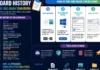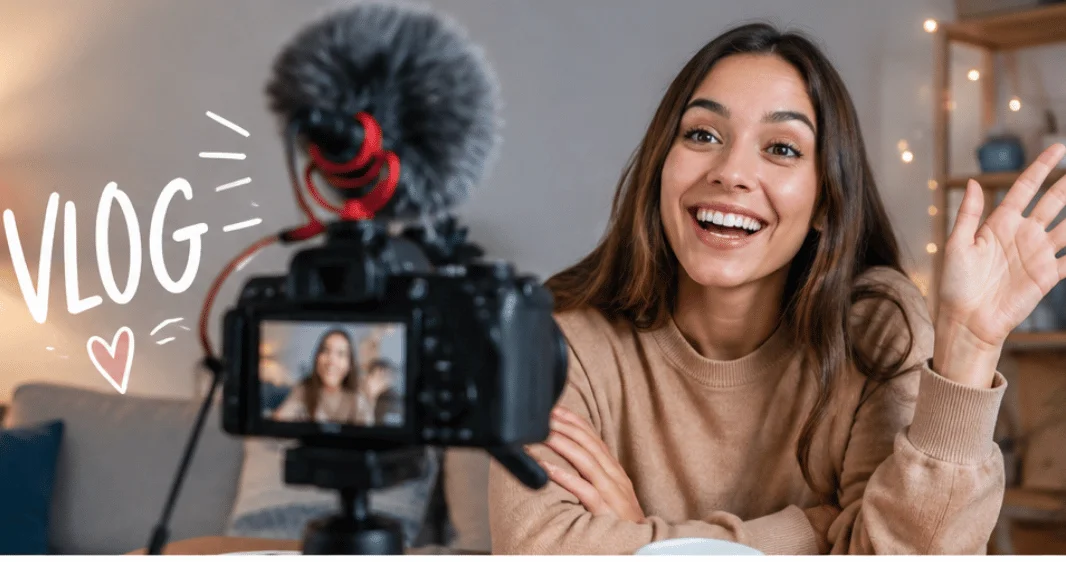
A vlog is a video blog: a creator records experiences, opinions, stories, reviews, or useful information and publishes the video online. It can be casual or highly edited. The defining feature is that video carries the main message, while the creator’s voice, point of view, or activity shapes the experience.
Video blogging can cover almost any subject. Lifestyle, travel, technology, cooking, gaming, education, fitness, and product reviews are common examples. Creators now publish this type of content on platforms such as YouTube, TikTok, and Instagram.
| At a glance | What to know |
| Main format | Video-first content |
| Typical subjects | Daily life, tutorials, reviews, travel, hobbies, expertise |
| Common platforms | YouTube, TikTok, Instagram |
| Basic equipment | Smartphone, microphone, support, light, editing app |
| Main skill | Clear storytelling |
| Beginner priority | Useful ideas and clear audio before expensive equipment |
What Makes a Vlog Different From Other Online Videos?
Not every online video follows the same format. A polished advertisement mainly sells a product. A traditional tutorial focuses on teaching a task. A short social clip may exist only to entertain viewers for a few seconds. Video blogging usually places more emphasis on the creator’s perspective. That can mean speaking directly to the camera, documenting an experience, sharing an opinion, or guiding viewers through an activity.
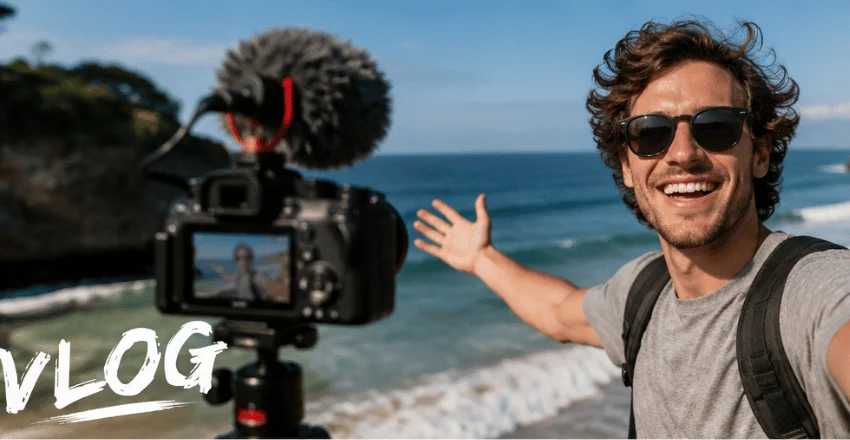
Two familiar approaches are the talking-head format and the follow-along format. In the first, the creator speaks from a fixed position. In the second, the camera moves through a day, a trip, a project, an event, or a routine. Both approaches can work. The better choice depends on the story you want to tell.
Common Video Blogging Formats
You don’t need to copy the style of large creators. Pick a format that suits your subject and the time you can spend filming.
Lifestyle and daily-life videos document routines, work, family activities, hobbies, or personal experiences.
Travel videos take viewers through places, food, transportation, accommodations, and memorable experiences.
Educational videos explain skills, software, technology, business ideas, or other subjects through a personal presentation style.
Review videos combine product information with the creator’s own observations and recommendations.
Behind-the-scenes videos show how a business, project, event, creative process, or piece of content is made.
A channel can use several formats, but beginners usually benefit from choosing one repeatable theme. This makes future ideas easier to plan.
Video Blog vs. Written Blog
The main difference is the medium. Written blogs depend mainly on text, while video-first publishing relies on footage, speech, sound, and visual storytelling.
| Factor | Video-first content | Written blog |
| Main medium | Video and audio | Text and images |
| Creator presence | Often visible or audible | Can remain mostly behind the page |
| Production needs | Filming and editing | Writing and editing |
| Best for | Demonstrations, experiences, personality | Detailed explanations and searchable reference content |
| Repurposing | Clips, Shorts, transcripts, articles | Social posts, newsletters, scripts |
You don’t need to choose only one format.
A recorded video can become an article, social clips, screenshots, captions, and a newsletter. Technoloss already has a useful guide on how to convert video into a blog post, which makes this hybrid approach practical.
What Equipment Do Beginners Need?
Expensive camera equipment is not required when you are starting out. Current beginner guides consistently recommend beginning with equipment you already understand, often a smartphone.
Focus on five basics:
- Camera: A recent smartphone can handle your first recordings.
- Audio: Clear speech matters more than cinematic image quality.
- Stability: A small tripod or stable surface prevents distracting movement.
- Lighting: Window light can work well when it falls toward your face.
- Editing: Use software that lets you trim mistakes, arrange clips, adjust sound, and add captions.
If your content includes tutorials, games, presentations, or software demonstrations, Technoloss also covers a screen recorder and video editor for Windows. You can upgrade later when a limitation becomes clear. Don’t buy equipment simply because another creator owns it. Technoloss’s Gadgets and Apps section can also provide ideas when you start comparing creator tools and accessories.
How to Start Video Blogging Without Overcomplicating It
A beginner doesn’t need a full studio or a month-long content plan. You need a topic, a basic structure, and one finished upload.
- Choose one clear subject. Pick something you can discuss repeatedly, not a topic that gives you only one video idea.
- Define the viewer. Decide who should care about the content and what they should gain from watching it.
- Plan the first video. Write a hook, three to five main points or scenes, and a closing takeaway.
- Record more than one angle when useful. Capture your main footage, then add close-ups or supporting scenes that make editing easier.
- Edit for clarity. Remove long pauses, repeated ideas, unclear sections, and footage that doesn’t help the story.
- Write a clear title and thumbnail message. Tell viewers what they will see or learn without making a promise the video cannot deliver.
- Publish and review the result. Note where you struggled with sound, pacing, lighting, confidence, or structure. Improve one issue in the next upload.
That final step matters. Your first recordings are useful practice, not a final test of whether you can become a creator.
A Simple First-Video Formula
Many beginner guides explain cameras and editing but give less attention to a repeatable filming structure. Use this four-part formula for your first few uploads:
Hook: Give viewers a reason to stay during the opening moments.
Context: Explain where you are, what you are doing, or why the subject matters.
Main story: Show the activity, lesson, review, trip, or experience without unnecessary detours.
Takeaway: End with the result, lesson, recommendation, or next step.
This structure also makes editing easier because each section has a clear purpose.
How to Make Your Videos Easier to Watch
Good production doesn’t require complicated effects. Start with sound. Background noise, wind, echo, and low audio levels can make otherwise strong footage difficult to follow. Keep the camera reasonably stable unless movement supports the story. Cut repeated explanations and unnecessary pauses. Add captions when they help viewers follow the spoken content.
Supporting footage can also help hide edits. If you discuss a new keyboard, show the keyboard. If you describe a destination, include scenes from the location. Most importantly, get to the point early. A long introduction can cause viewers to leave before the main subject begins.
Can Video Bloggers Make Money?
Yes, but publishing videos does not guarantee income. Creators can earn through advertising programs, sponsorships, affiliate partnerships, memberships, products, services, licensing, or direct audience support. Available options depend on the platform, country, audience, and eligibility rules.
Beginners should focus first on creating useful content and building a consistent audience. Monetization works better when viewers already have a reason to return.
Start With the First Useful Video
You don’t need a perfect channel identity before publishing. Choose one subject you understand. Plan a simple beginning, middle, and ending. Record with the equipment you already have, edit out anything that slows the story, and publish. Then use what you learned to improve the second video.
Frequently Asked Questions
It is a blog presented mainly as video rather than written posts. The creator may document experiences, explain ideas, review products, teach skills, or share opinions through recorded footage.
No. YouTube hosts many formats, including documentaries, music videos, animations, advertisements, tutorials, interviews, livestreams, and short entertainment clips. Creator-centered or diary-style content is only one category.
No. A smartphone is enough for learning composition, speaking, storytelling, lighting, and editing. Upgrade only when your current equipment creates a specific problem you cannot solve another way.
There is no required length. Make it long enough to deliver the promised story or information without padding. A focused, shorter video is better than stretching a simple idea.
Neither format is better in every situation. Video is strong for personality, demonstrations, experiences, and visual subjects. Written content works well for detailed explanations and reference material. Using both can expand one idea across several channels.