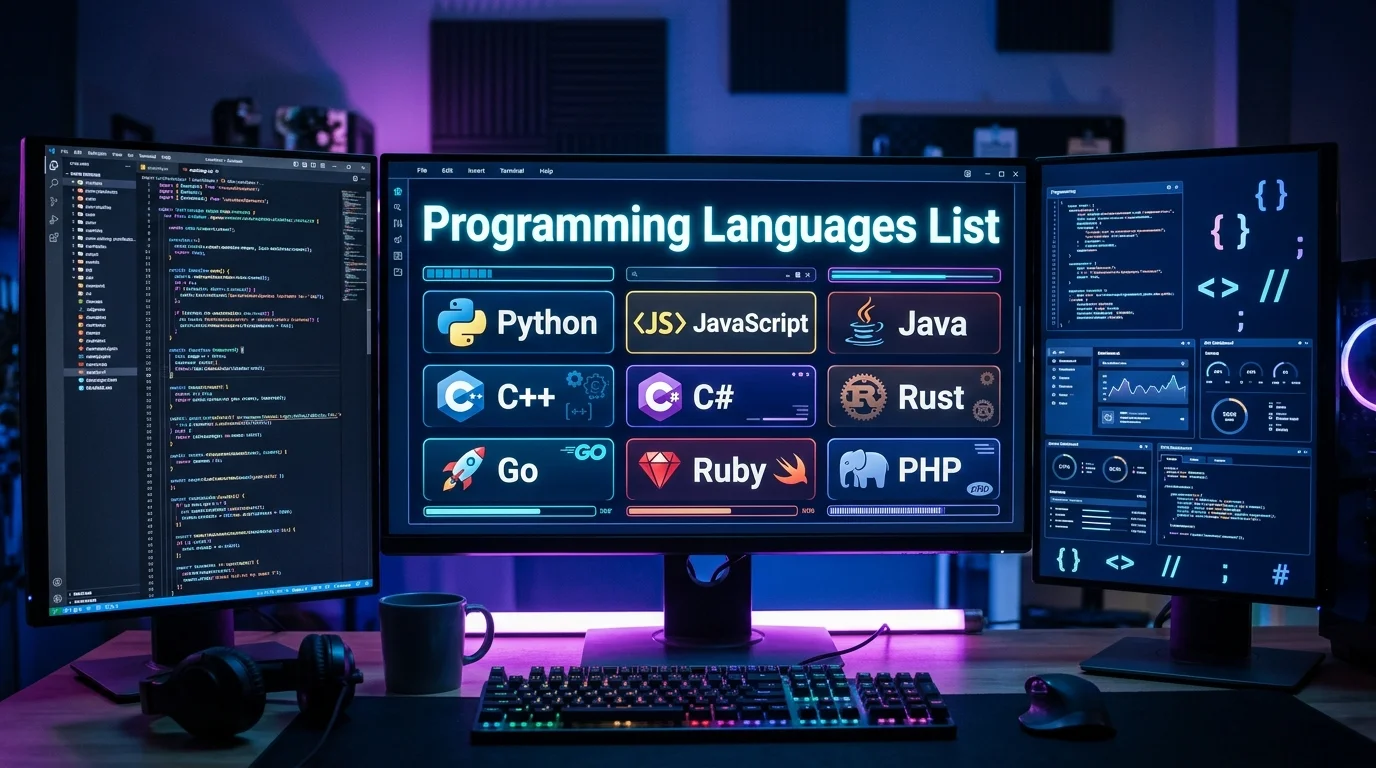
A useful programming languages list should do more than collect names alphabetically. It should explain what each language does and where developers commonly use it. This guide covers 35 important options for students, career changers, and working developers in the United States.
Quick answer: Hundreds of notable coding languages exist, while historical catalogs contain thousands of entries. Most learners only need to understand a much smaller group. Python, JavaScript, Java, C, C++, C#, TypeScript, Go, Rust, Swift, Kotlin, PHP, SQL, and R cover many modern development paths.
Programming Languages at a Glance
| Category | Common examples | Typical uses | Good starting choice |
|---|---|---|---|
| General-purpose | Python, Java, C#, C++ | Software, automation, applications | Python |
| Web development | JavaScript, TypeScript, PHP | Websites and web applications | JavaScript |
| Systems development | C, C++, Rust, Zig | Operating systems, engines, embedded software | C |
| Mobile development | Swift, Kotlin, Dart | iOS, Android, cross-platform apps | Kotlin or Swift |
| Data and statistics | Python, R, Julia | Analysis, machine learning, research | Python |
| Database work | SQL, PL/SQL | Querying and managing databases | SQL |
| Functional development | Haskell, F#, Clojure | Data processing and specialized software | F# |
| Automation | Python, PowerShell, Bash | Scripts, administration, DevOps | Python |
Key Takeaways
* You do not need to learn dozens of languages to become a developer. * Python is approachable for beginners and useful across several technical fields. * JavaScript remains essential for interactive browser development. * C and C++ remain important where hardware control and performance matter. * Rust offers modern memory-safety features for systems work. * Swift targets Apple development, while Kotlin is common for Android development. * SQL is a domain-specific language for working with relational databases. * HTML and CSS are important web technologies, but neither is a programming language.
What Counts as a Programming Language?
A programming language provides rules for expressing instructions that computers can execute. Languages differ in syntax, execution models, type systems, and supported programming styles. They can also target different problems, from websites to embedded devices.
This definition creates several confusing edge cases for beginners. HTML describes document structure, while CSS describes presentation and styling. Neither normally performs general computation, so they aren’t included as programming languages here.
SQL sits in a different category because it expresses operations that database systems execute. It is considered a domain-specific programming language rather than a general-purpose option. Learning SQL remains useful for web, data, business, and application development.
Programming Languages List: 35 Important Examples
The table below focuses on languages you may encounter in education, employment, open-source projects, or established business systems. It mixes modern mainstream choices with several specialized and historically important options. This makes the list more useful than a ranking based only on current popularity.
| Language | Main category | Common uses | Beginner note |
|---|---|---|---|
| Python | General-purpose | AI, automation, data, web back ends | Beginner-friendly syntax |
| JavaScript | General-purpose/scripting | Websites, servers, web applications | Essential for browser development |
| TypeScript | Typed JavaScript-based | Large web applications | Learn after basic JavaScript |
| Java | General-purpose | Enterprise systems, Android, servers | Strong object-oriented foundation |
| C | Systems | Operating systems, embedded devices | Teaches memory fundamentals |
| C++ | Systems/general-purpose | Games, engines, performance software | Powerful but more complex |
| C# | General-purpose | .NET, games, enterprise software | Strong choice for Microsoft ecosystems |
| Go | General-purpose | Cloud services, servers, networking | Relatively small language design |
| Rust | Systems | Infrastructure, tools, performance software | Strong memory-safety model |
| PHP | Server-side scripting | Websites and web applications | Common in web publishing |
| Swift | General-purpose | iPhone, iPad, and Mac applications | Main Apple development choice |
| Kotlin | General-purpose | Android and server applications | Modern JVM option |
| R | Statistical | Data analysis and research | Strong statistics ecosystem |
| SQL | Domain-specific | Databases and analytics | Useful across many careers |
| Ruby | General-purpose | Web development and scripting | Known for readable syntax |
| Dart | General-purpose | Flutter applications | Useful for cross-platform apps |
| Scala | General-purpose | Data systems and JVM applications | Combines multiple paradigms |
| Julia | Technical computing | Science, mathematics, numerical work | Designed for numerical workloads |
| MATLAB | Technical computing | Engineering and numerical analysis | Common in technical education |
| Perl | Scripting | Text processing and legacy systems | Less common for new projects |
| Lua | Scripting | Games, embedded scripting | Small and lightweight |
| Haskell | Functional | Research and specialized software | Strong functional concepts |
| F# | Functional/general-purpose | .NET applications and data work | Functional-first Microsoft option |
| Clojure | Functional | JVM applications and data systems | Lisp-family language |
| Elixir | Functional | Concurrent servers and web systems | Built for fault-tolerant services |
| Erlang | Functional | Telecom and distributed systems | Strong concurrency heritage |
| Fortran | Scientific | Scientific and numerical computing | Still used in established research code |
| COBOL | Business | Banking and legacy enterprise systems | Important in older business systems |
| Objective-C | General-purpose | Legacy Apple software | Mostly replaced by Swift |
| Visual Basic.NET | General-purpose | Microsoft business applications | Used in existing .NET environments |
| PowerShell | Scripting | Windows administration and automation | Useful for IT professionals |
| Bash | Shell scripting | Linux and Unix automation | Essential for command-line workflows |
| Assembly | Low-level | Hardware control and embedded work | Requires architecture knowledge |
| Zig | Systems | Low-level and performance software | Newer alternative in systems work |
| Solidity | Domain-specific | Ethereum smart contracts | Specialized blockchain use |
A historical directory can contain far more entries than this table. Wikipedia maintains an extensive alphabetical index, while other databases catalog hundreds or thousands of past languages. Those totals should not imply that developers need to learn hundreds of options.
What Are the Main Types?

One common distinction separates high-level and low-level languages. High-level choices hide more hardware details and usually improve developer productivity. Lower-level choices expose more system behavior and can provide tighter hardware control.
Languages can also be described as compiled or interpreted, although modern implementations can blur that distinction. C and C++ are commonly compiled before execution. JavaScript and Python commonly run through runtime environments that perform additional translation or interpretation.
Programming paradigms create another classification system. Object-oriented development organizes behavior around objects, while functional development emphasizes functions and immutable data. Many modern tools support several paradigms instead of fitting one category.
Which Languages Are Popular in 2026?
Popularity depends on how you measure it, so no ranking provides a universal answer. TIOBE’s October 2026 ranking placed Python first, followed by C, C++, and Java. Its methodology measures signals around language visibility rather than counting all production code directly.
Stack Overflow’s 2025 Developer Survey provides a different view based on developer responses. JavaScript led its language-related usage results, while Python showed particularly strong use among people learning to code. These differences show why popularity rankings should guide decisions, not dictate them.
GitHub activity, job postings, education, and existing company systems can produce other rankings. A language can have a smaller overall audience yet remain valuable in one industry. Your intended work matters more than winning a popularity contest.
Which Language Should You Learn First?
Start by choosing the type of software you want to build. That choice narrows the field faster than comparing syntax or popularity scores. You can then add related technologies after completing several projects.
| Your goal | Good first choice | What to consider next |
|---|---|---|
| Learn coding fundamentals | Python | SQL or JavaScript |
| Front-end web development | JavaScript | TypeScript |
| Full-stack web development | JavaScript | TypeScript, SQL, Python |
| Data analysis | Python | SQL and R |
| AI and machine learning | Python | SQL and specialized libraries |
| Android apps | Kotlin | Java |
| iPhone and Mac apps | Swift | Apple development frameworks |
| Game development | C# | C++ |
| Systems programming | C | C++ or Rust |
| Cloud and backend services | Go | SQL and Python |
| IT automation | Python | PowerShell or Bash |
Python is often a practical first choice because its syntax keeps introductory programs readable. It also applies to automation, back-end services, data analysis, and AI-related work. That flexibility lets beginners explore several paths before specializing.
JavaScript makes more sense when websites are your main goal. Browsers execute JavaScript directly, making it central to interactive front-end development. You can later use it on servers and move into TypeScript for larger projects.
Readers exploring website creation without traditional coding can also compare TechnoLoss’s AI website builder guide. Developers interested in professional engineering workflows can review its article on software development and SOC 2 practices. The broader TechnoLoss Software section covers additional tools and software topics.
Do You Need More Than One Language?
Most professional developers eventually work with more than one technology. A web application might combine JavaScript in the browser, Python on a server, and SQL for stored data. Learning how those pieces interact is often more valuable than memorizing another syntax.
Your second choice should complement your first one. A Python learner can add SQL for data work or JavaScript for web interfaces. A C programmer might move toward C++, Rust, or embedded development.
Avoid collecting beginner tutorials without building projects. Create a small program, debug it, place the code under version control, and improve it. Those experiences teach transferable skills that apply when you switch languages.
A Practical Learning Path for U.S. Beginners
Start with one language and use it consistently for several weeks. Learn variables, conditions, loops, functions, collections, errors, and basic testing. Build small projects before moving toward frameworks or complex tooling.
Next, learn Git, command-line basics, and how to read official documentation. These skills appear across college courses, internships, bootcamps, and professional development teams. They also make switching between technical stacks less intimidating.
Then choose projects based on your intended career direction. A web learner might create a portfolio and small application. A data learner might analyze a public U.S. dataset and present findings clearly.
Frequently Asked Questions
How many programming languages are there?
No single official count exists because databases use different definitions and historical coverage. Some modern directories track hundreds, while historical catalogs contain thousands of named systems. Only a much smaller group appears regularly in modern education and software development.
What is the best programming languages list for beginners?
The most useful programming languages list for beginners includes Python, JavaScript, Java, C#, C, SQL, Swift, and Kotlin. You should still choose based on the projects you want to build. Learning one choice deeply is usually better than starting several simultaneously.
Is Python the easiest language to learn?
Python is widely considered approachable because its syntax is comparatively readable. It also lets beginners build useful scripts without extensive setup. Difficulty still depends on the project and the programming concepts involved.
Are HTML and CSS programming languages?
HTML is a markup language that structures web documents. CSS is a style-sheet language that controls presentation. Both are essential for front-end development, but they are not general-purpose coding languages.
Is SQL a programming language?
SQL is generally classified as a domain-specific language for relational databases. It lets you query, insert, update, organize, and analyze structured data. Developers, analysts, data engineers, and many business professionals use it.
Which language is best for getting a software job in the United States?
There is no single answer because employers use different technology stacks. JavaScript, Python, Java, C#, C++, SQL, and TypeScript appear across many established development paths. Check current job postings in your target city and specialization before choosing a career-focused stack.
Your Next Step
Choose one language that matches the software you want to create. Spend your first learning period building small projects instead of comparing every available option. Once the fundamentals feel comfortable, add the language or tool that solves your next practical problem.