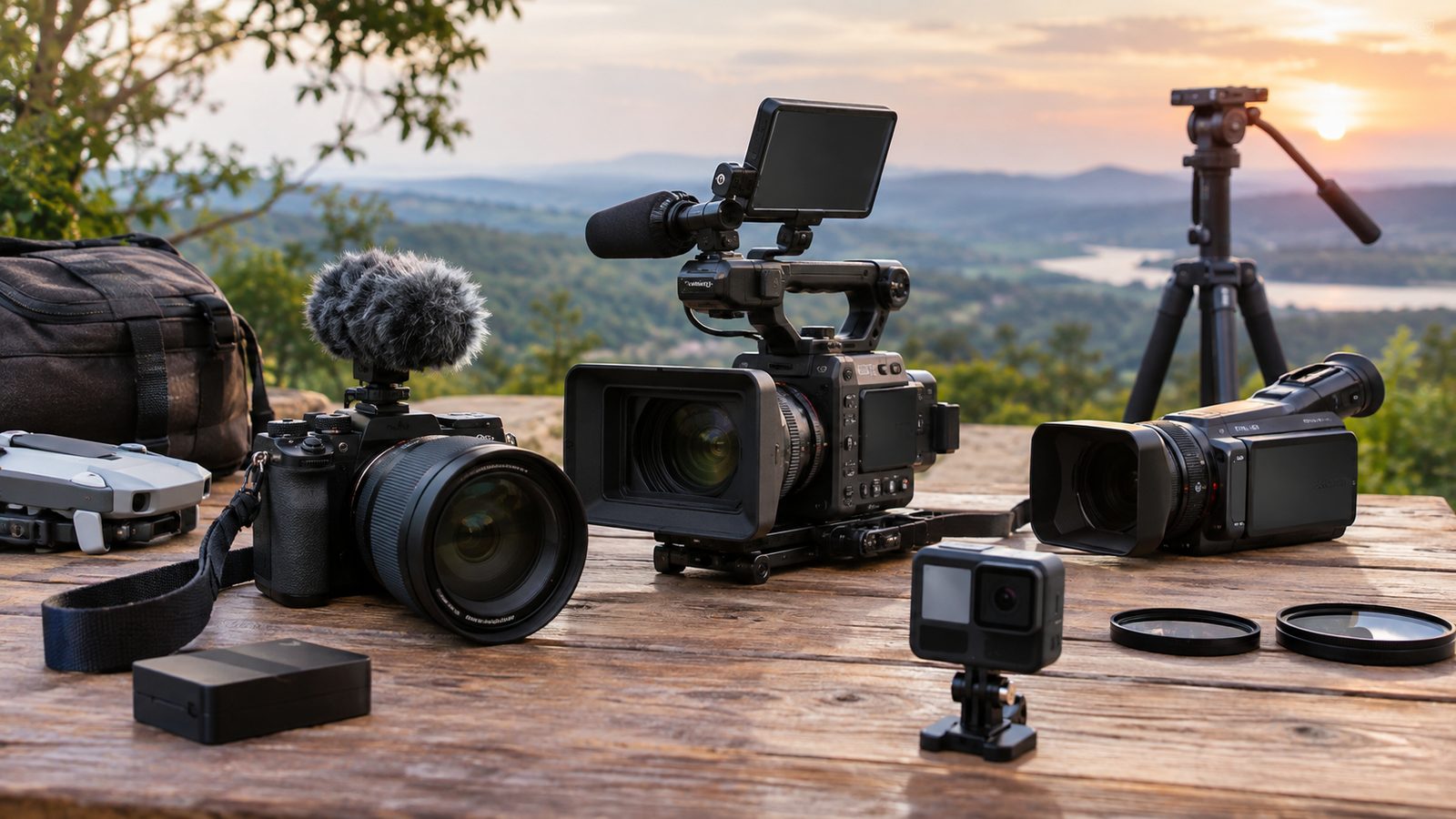
Choosing a camera for video starts with what you plan to record, not the highest specification. The right video cameras balance image quality, handling, audio, stabilization, and your editing workflow. US buyers should also consider lenses, accessories, storage, support, and the total system cost.
| Buying factor | Why it matters | Good starting point |
|---|---|---|
| Camera type | Determines size, controls, lenses, and shooting style | Match the type to your main use |
| Resolution | Affects detail and cropping flexibility | 4K suits most creators |
| Frame rate | Controls motion and slow-motion options | 30p for general use, 60p for smoother motion |
| Stabilization | Helps handheld footage look steadier | IBIS, lens stabilization, or strong electronic stabilization |
| Autofocus | Keeps moving subjects sharp | Reliable face and eye detection |
| Audio | Clear sound can matter more than extra resolution | External microphone support |
| Sensor size | Affects low-light results and depth of field | APS-C or full frame for demanding work |
| Storage | High-quality formats create large files | Fast, supported memory cards |
| Connectivity | Helps monitoring, streaming, and file transfer | HDMI, USB, Wi-Fi, or Bluetooth as needed |
Quick answer: Start by matching the camera type to what you shoot most often. Mirrorless models suit creators wanting flexibility and strong image quality. Camcorders favor long recording and useful zoom ranges, while action and pocket models work better for travel, movement, and compact setups.
Key Takeaways
A higher resolution alone does not guarantee better footage. Autofocus, stabilization, sensor performance, lenses, audio, and heat management can matter more during real shoots. Current buying guides also show that different camera categories remain useful for different creators. Most buyers should treat 4K as a practical baseline rather than chasing 8K immediately. Higher resolutions can help cropping and professional workflows, but they demand more storage and processing power. Your intended output should determine whether those added demands provide a useful benefit.
The Main Camera Types Compared
Camera categories now overlap more than they did several years ago. Mirrorless systems have gained strong recording features, while compact products offer impressive stabilization and automated shooting. Dedicated camcorders still offer advantages when long zoom ranges and extended recording matter.
| Type | Best for | Main strength | Main drawback |
|---|---|---|---|
| Mirrorless | YouTube, filmmaking, interviews, commercial work | Lens choice and strong image quality | Lenses increase cost and weight |
| Camcorder | Events, schools, sports, long sessions | Long zoom and video-focused controls | Smaller sensors on many models |
| Action camera | Travel, sports, outdoor activities | Compact size and stabilization | Limited optical flexibility |
| Pocket gimbal camera | Walking videos and travel | Smooth motion in a tiny package | Less flexible than interchangeable lenses |
| Cinema camera | Professional productions | Advanced codecs and production features | Higher cost and greater complexity |
| 360 camera | Immersive travel and action | Reframe footage after recording | Requires a different editing workflow |
For underwater or adventure recording, durability deserves the same attention as image specifications. Waterproof ratings, housings, mounts, and handling can change which category makes sense. Technoloss covers those considerations in its underwater camera guide.
How to Choose Video Cameras Without Paying for Features You Will Not Use
Start with your most common recording situation and work backward from that requirement. A studio creator needs different features than someone filming youth sports from distant bleachers. A traveler also values compact equipment differently from a filmmaker building a controlled production kit. Write down where you shoot, how long sessions last, and whether subjects move quickly. Decide whether you usually work handheld, on a tripod, or with another support system. These answers narrow your options faster than comparing long specification sheets.
Choose Resolution Around Your Delivery Format
4K recording is a sensible target for most modern content workflows. It gives room for detailed output and some reframing during editing. Many current consumer and professional models now offer 4K alongside higher-resolution modes. 6K and 8K can provide additional cropping flexibility for demanding productions. Those modes also create larger files and increase editing requirements. Buy them when your projects benefit from that extra information rather than the headline number.
Pay Attention to Frame Rates
Frame rate affects how motion looks and how much slow motion you can create. Standard 24p and 30p options work for many interviews, tutorials, and everyday projects. Recording at 60p or faster becomes useful for sports, movement, and slowed footage. Check whether the camera applies a crop at higher frame rates. A crop changes your field of view and can make wide framing harder. Also confirm whether autofocus and image quality remain strong in those modes.
Sensor Size Matters, but Bigger Is Not Always Better
Larger sensors often perform well in low light and support stronger background separation. Full-frame systems are popular among advanced creators for those reasons. APS-C and smaller formats can reduce lens size, equipment weight, and total system cost. Your lighting environment should guide this decision. A controlled studio may reduce the need for maximum low-light performance. Travel creators may prefer a smaller system they will carry more often.
Stabilization Can Save More Shots Than Extra Resolution
Handheld footage quickly reveals weak stabilization. In-body stabilization can help with static handheld framing and slower camera movements. Electronic stabilization and stabilized lenses can also improve specific shooting situations. No system removes every shake or replaces good technique. Walking shots still benefit from careful movement or dedicated support. Test how stabilization behaves at your preferred focal lengths before making it a deciding feature.
Autofocus Matters for Solo Creators
Reliable autofocus is especially valuable when nobody stands behind the camera. Face and eye detection can keep a presenter sharp while they move through a frame. Product creators also benefit from predictable transitions between a person and an object. Look beyond marketing claims when comparing autofocus systems. Current reviews often test tracking accuracy and subject transitions under practical conditions. Vloggers can also read Technoloss’s guide to video blogging for broader production planning.
Do Not Treat Audio as an Accessory
Viewers often tolerate minor visual imperfections more easily than unclear speech. An external microphone input gives you more control than relying entirely on built-in microphones. Headphone monitoring also helps catch noise before an entire recording is ruined. Check the physical ports before buying. Some compact models provide limited audio connections despite strong recording specifications. Professional workflows may require more advanced inputs or external recording equipment.
Match the Camera to What You Actually Shoot
The strongest choice changes with the assignment. Current expert guides recommend different systems for filmmaking, vlogging, sports, and general content creation. That variation is useful because there is no single design that wins every category.
- For YouTube and talking-head content: prioritize autofocus, microphone support, a useful front-facing screen, and dependable 4K recording.
- For filmmaking: prioritize dynamic range, recording formats, manual controls, lenses, monitoring options, and heat management.
- For family events: prioritize simple controls, dependable autofocus, battery life, and enough zoom for distant subjects.
- For sports: prioritize fast autofocus, higher frame rates, stabilization, long lenses, or strong optical zoom.
- For travel: prioritize compact size, charging convenience, stabilization, weather resistance, and manageable accessories.
- For outdoor action: prioritize durability, mounting options, stabilization, and waterproof specifications.
- For livestreaming: prioritize clean output, reliable power, USB or HDMI options, and predictable heat performance.
What Should US Buyers Budget For?
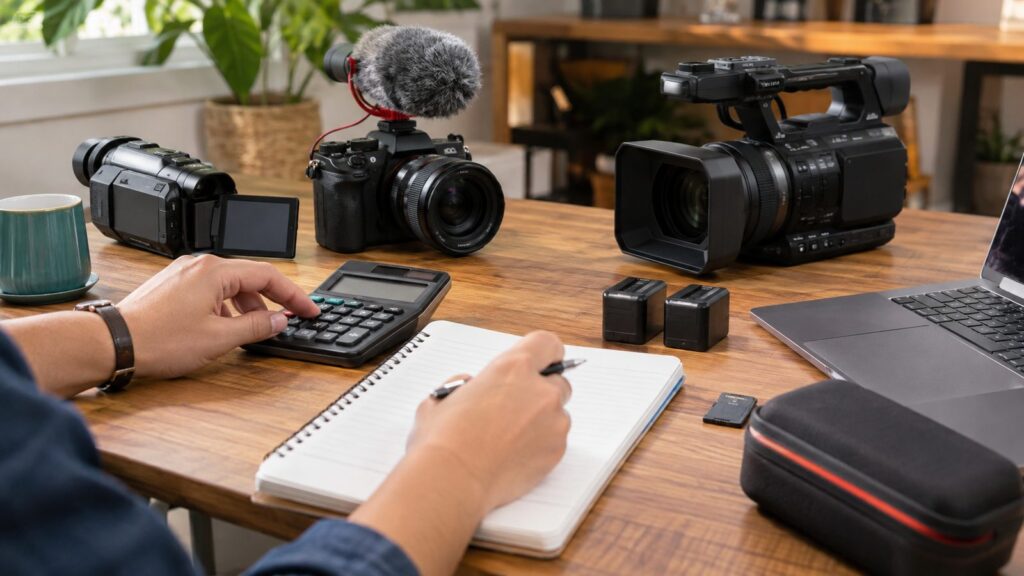
The camera body is only one part of the purchase. Memory cards, batteries, microphones, tripods, lenses, filters, lights, and cases can raise the final cost. Interchangeable-lens systems can become especially expensive after adding suitable glass. Current US retail listings show dedicated recording products spanning a wide price range. Some compact recorders cost a few hundred dollars, while advanced systems reach four figures. This spread makes use-case planning more useful than setting a budget from the body price alone. Keep part of your budget available for the weakest part of your production setup. Better audio may improve an interview more than moving from 4K to a higher resolution. Better lighting can also produce a larger visible improvement than a more expensive body.
Common Buying Mistakes to Avoid
Buying from resolution alone is one of the easiest mistakes to make. Recording quality depends on many factors beyond the pixel count. Lens quality, sensor performance, focus, stabilization, processing, and lighting all affect the final image. Another mistake is ignoring the complete system weight. A small body can become heavy after adding a large lens, microphone, cage, monitor, and battery. Equipment that stays at home provides little value regardless of its specifications. Finally, check workflow compatibility before buying. Confirm your computer can handle the formats and file sizes you plan to record. Make sure storage, editing software, and backup capacity can support the footage you create.
Our Recommendation for Most Buyers
For most creators, a capable mirrorless model offers the strongest balance of flexibility and future growth. You can change lenses, add microphones, and adapt the system for several types of projects. Current expert guides continue to favor mirrorless options for many serious video users. A camcorder remains a better choice for long events and distant subjects requiring convenient optical zoom. Action or pocket models make more sense when portability and stabilized movement matter most. Choose the category that removes problems from your actual workflow. Before spending more, identify the limitation you are trying to solve. Upgrade when your present equipment prevents a shot, sound, workflow, or result you need. That approach usually produces better value than buying around specifications alone.
Frequently Asked Questions
Are video cameras still worth buying when phones record 4K?
Yes, dedicated models still offer advantages for many users. They can provide larger sensors, optical flexibility, longer recording options, stronger audio connections, and specialized controls. A phone remains sufficient when portability and convenience matter more than production flexibility.
Is 4K enough for YouTube in 2026?
4K is enough for most YouTube creators and general online publishing. It provides strong detail without the storage demands associated with higher resolutions. Your lighting, sound, framing, and storytelling will often influence perceived quality more.
Should a beginner buy a camcorder or mirrorless camera?
A camcorder is easier when long zoom and extended recording are the main priorities. A mirrorless system suits creators who want lens choices and greater creative flexibility. Beginners should choose around their expected projects rather than perceived professional status.
Do I need a full-frame camera for good video?
No, because excellent footage can come from APS-C, Micro Four Thirds, and smaller sensors. Full frame can help with low light and shallow depth of field. Smaller formats may provide lighter lenses, lower costs, and easier travel setups.
What feature matters most for a vlogging camera?
Reliable autofocus, clear audio, and easy framing are usually more useful than extreme resolution. Stabilization becomes important when you film while walking or traveling. A compact setup can also encourage more frequent recording.
Choose Around the Shoot, Not the Specification Sheet
Make your shortlist from the work you expect to do during the next year. Compare only the features that affect those projects and include accessories in your budget. Then check current reviews and US availability before purchasing. Technoloss readers can continue comparing related equipment through the Gadgets and Apps section. A focused system usually gives better results than collecting features without a specific purpose. The right setup should make recording easier, not make your workflow more complicated. —