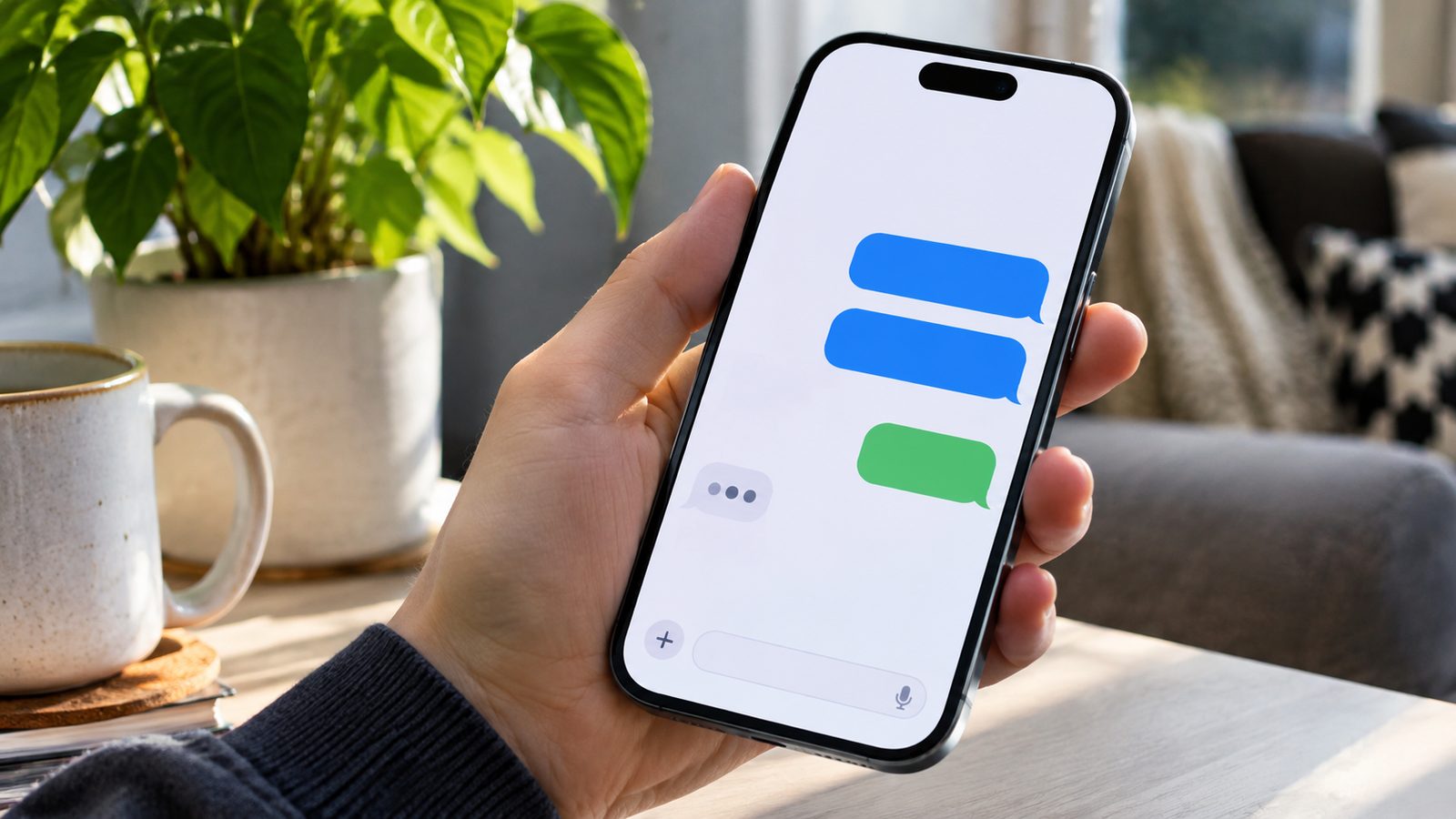
If you’re asking what does sent as sms mean, your iPhone used regular carrier texting instead of iMessage. This usually happens when iMessage cannot complete the message. It does not automatically mean the recipient blocked you. Apple now supports several messaging types inside the Messages app. Blue bubbles represent iMessage, while green bubbles can represent RCS, SMS, or MMS. The exact label under your message helps identify which method your phone used. Quick answer: “Sent as SMS” means your iPhone sent the message through your wireless carrier’s standard texting service. It commonly happens when iMessage is unavailable, disabled, or unable to reach the recipient. The label describes the delivery method and does not prove that you were blocked.
| Message detail | What it usually means |
|---|---|
| Sent as SMS | The message used your carrier’s SMS service |
| Blue bubble | The message used iMessage |
| Green bubble | The message may use RCS, SMS, or MMS |
| Red exclamation point | The message was not delivered |
| Read receipt missing | SMS may not provide iMessage-style read information |
| Internet required | iMessage and RCS require data connectivity |
| Cellular service required | Traditional SMS normally uses carrier service |
| U.S. cost | Depends on your wireless plan |
What Does Sent as SMS Mean on iPhone?
The label means your phone used Short Message Service rather than Apple’s iMessage network. SMS travels through your wireless carrier instead of Apple’s internet-based messaging system. The message may still reach the recipient normally. This switch can happen automatically when iMessage is unavailable. Apple lets iPhones retry failed iMessages through standard carrier texting when the setting is enabled. Messaging rates can apply depending on your carrier and plan. The distinction matters because iMessage includes features that ordinary SMS does not. Those features include typing indicators, richer media support, and read receipts when enabled. SMS also lacks the end-to-end encryption provided by iMessage.
Why Did My iPhone Send the Message as SMS?
Several ordinary situations can cause your phone to change messaging methods. The most common reason is that iMessage could not be used at that moment. A temporary connection issue can be enough to trigger the switch. Apple says a green message can appear when the recipient does not use an Apple device. It can also happen when iMessage is disabled on either device. Temporary iMessage availability problems can cause the same behavior. Common reasons include:
- Your iPhone temporarily lost Wi-Fi or cellular data.
- The recipient does not currently have iMessage available.
- iMessage is disabled on your phone.
- iMessage is disabled on the recipient’s device.
- The recipient changed phones or messaging settings.
- Apple’s messaging service could not complete the send.
- Your phone was allowed to retry the message through SMS.
- The conversation is using carrier messaging instead of iMessage.
A recent device change can also affect Messages settings. Apple recommends checking the active cellular line and your Send & Receive settings after changing devices. Restarting iMessage can also resolve some setup-related problems.
Does Sent as SMS Mean You Are Blocked?
No, this status does not prove that someone blocked your number. Several normal technical conditions can force an iPhone to use another messaging method. You cannot reliably diagnose blocking from this label alone. The recipient could have lost internet service or turned off iMessage. They may also have switched devices or changed their mobile service. A temporary network problem can produce the same result. If messages fail completely, investigate the failure instead of assuming you were blocked. TechnoLoss’s message blocking troubleshooting guide explains how to separate contact problems from carrier issues. Testing another working number can quickly show whether the problem affects one conversation.
Does a Green Bubble Always Mean SMS?
Not anymore. Current iPhones can display RCS, MMS, and SMS conversations in green bubbles. Apple specifically distinguishes those services from blue iMessage conversations. RCS adds features that traditional texting does not always provide. Depending on carrier support, it can support typing indicators, read receipts, and higher-quality media. SMS remains a simpler carrier-based option for ordinary text. MMS is commonly used when carrier messaging includes photos or other multimedia. You can read TechnoLoss’s guide to MMS messaging for a detailed comparison. Checking the message type is more accurate than judging the bubble color alone.
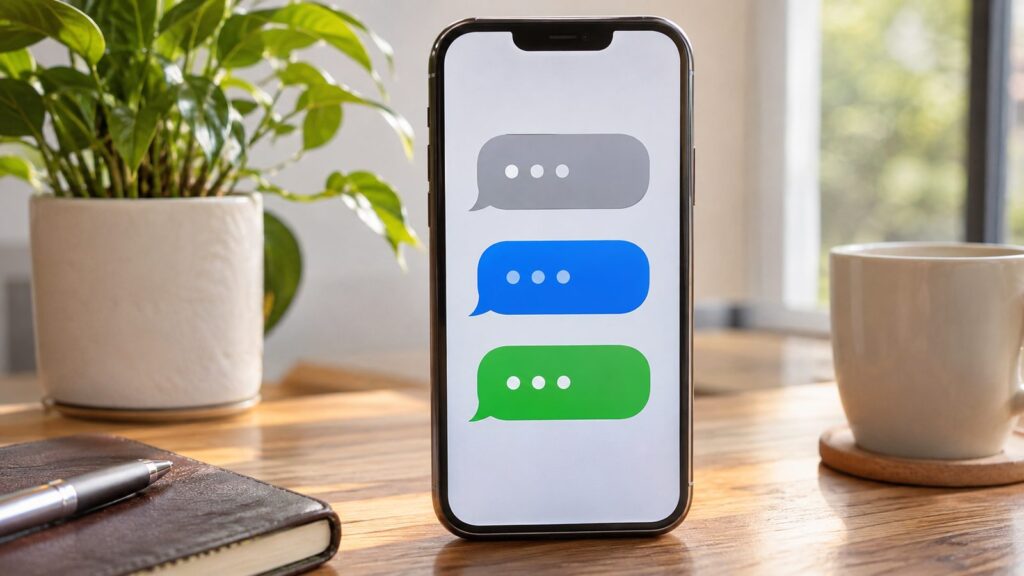
SMS vs. iMessage vs. RCS
Modern iPhones can move between several messaging systems. Each system uses different networks and supports different features. Understanding those differences makes the status label much less confusing.
| Feature | SMS | iMessage | RCS |
|---|---|---|---|
| Typical bubble on iPhone | Green | Blue | Green |
| Uses internet data | Usually no | Yes | Yes |
| Uses carrier messaging | Yes | No | Carrier-supported |
| Read receipts | Usually no | Yes | Supported |
| Typing indicators | No | Yes | Supported |
| Rich media | Limited | Yes | Yes |
| End-to-end encryption | No | Yes | Available in supported configurations |
Apple describes iMessage as an internet-based service for supported Apple devices. It describes SMS and MMS as carrier services. RCS is also carrier-supported and requires compatible devices, providers, and configurations.
Does “Sent as SMS” Mean the Message Was Delivered?
“Sent” and “delivered” are not exactly the same status. The label tells you which messaging route your phone used. It does not always provide confirmation that the recipient opened the message. Traditional SMS also lacks the same read-receipt system used by iMessage. Your carrier may support certain delivery information, but behavior varies. A missing “Read” label is therefore normal for ordinary carrier texts. A clear failure looks different on an iPhone. Apple says an undelivered message can display a red exclamation point. You can then retry the message or choose another sending option.
Can Sending as SMS Cost Money in the United States?
It can, because SMS uses your wireless carrier’s messaging service. Many U.S. mobile plans include domestic texting. Your exact charges still depend on your carrier and subscription. International texting deserves more attention. Roaming, international destinations, or limited prepaid plans can have separate pricing. Checking your carrier’s current terms is safer before sending many messages abroad. iMessage uses Wi-Fi or cellular data instead of your SMS allowance. Cellular data charges can still apply when Wi-Fi is unavailable. Apple confirms that iMessage itself does not count against SMS, MMS, or RCS allowances.
How to Get iMessage Working Again
Start by confirming that your iPhone has working internet access. iMessage needs Wi-Fi or cellular data to send messages. A weak connection can prevent the service from completing normally. Next, open Settings > Apps > Messages and confirm that iMessage is enabled. Apple also recommends checking Send & Receive when messages behave incorrectly. Make sure the correct phone number is selected. If you use Dual SIM or eSIM, confirm the correct line is active. TechnoLoss’s phone number and SIM identification guide can help you identify each mobile line. This is useful after changing carriers, SIMs, or devices. You can also restart your iPhone and retry the conversation. If carrier texts fail for every contact, contact your wireless provider. Apple recommends carrier support when SMS, MMS, or RCS still cannot send.
Should You Turn Off Send as Text Message?
Most users benefit from keeping the fallback option available. It gives your phone another way to send a message when iMessage cannot work. Disabling it can leave some messages unsent instead. There are situations where you may want more control. International travelers may want to avoid unexpected SMS charges. Users with limited texting plans may also prefer to prevent automatic fallback. Before changing the setting, check your current carrier plan. Apple warns that messaging rates may apply when an iMessage is sent as a regular text. The best choice therefore depends on your service and travel situation.
Frequently Asked Questions
What does sent as sms mean if the person has an iPhone?
It means the message used the carrier’s SMS route instead of iMessage. The other person may still have an iPhone. Their iMessage service or internet connection might simply have been unavailable.
Does an SMS message mean my number was blocked?
No, SMS fallback cannot confirm blocking. Network conditions and messaging settings can create the same result. Treat the status as a technical delivery-method notice.
Why did my blue messages suddenly turn green?
Your conversation stopped using iMessage for those messages. Apple says green bubbles can represent RCS, SMS, or MMS. Check your connection and iMessage settings before assuming anything about the recipient.
Can SMS work without Wi-Fi?
Yes, traditional SMS normally uses your cellular network. Apple says SMS requires a cellular connection under normal conditions. Supported Wi-Fi Calling configurations can also carry SMS in some cases.
Is SMS less private than iMessage?
Yes, traditional SMS does not provide iMessage’s end-to-end encryption. Apple states that SMS and MMS are not end-to-end encrypted. Avoid sending highly sensitive information through ordinary texts.
The Bottom Line
Seeing this status usually means your phone changed delivery methods, not that something serious happened. The message left through your carrier instead of Apple’s iMessage service. Connection problems, settings, or recipient compatibility can all cause the switch. Do not use the label as evidence that someone blocked you. Check your internet connection, iMessage settings, active line, and carrier service first. Those checks address the most common technical causes. For related texting problems, TechnoLoss’s guides on MMS and message blocking can help narrow the issue. Knowing whether a conversation uses iMessage, RCS, SMS, or MMS makes troubleshooting faster. It also prevents green bubbles from causing unnecessary concern. —