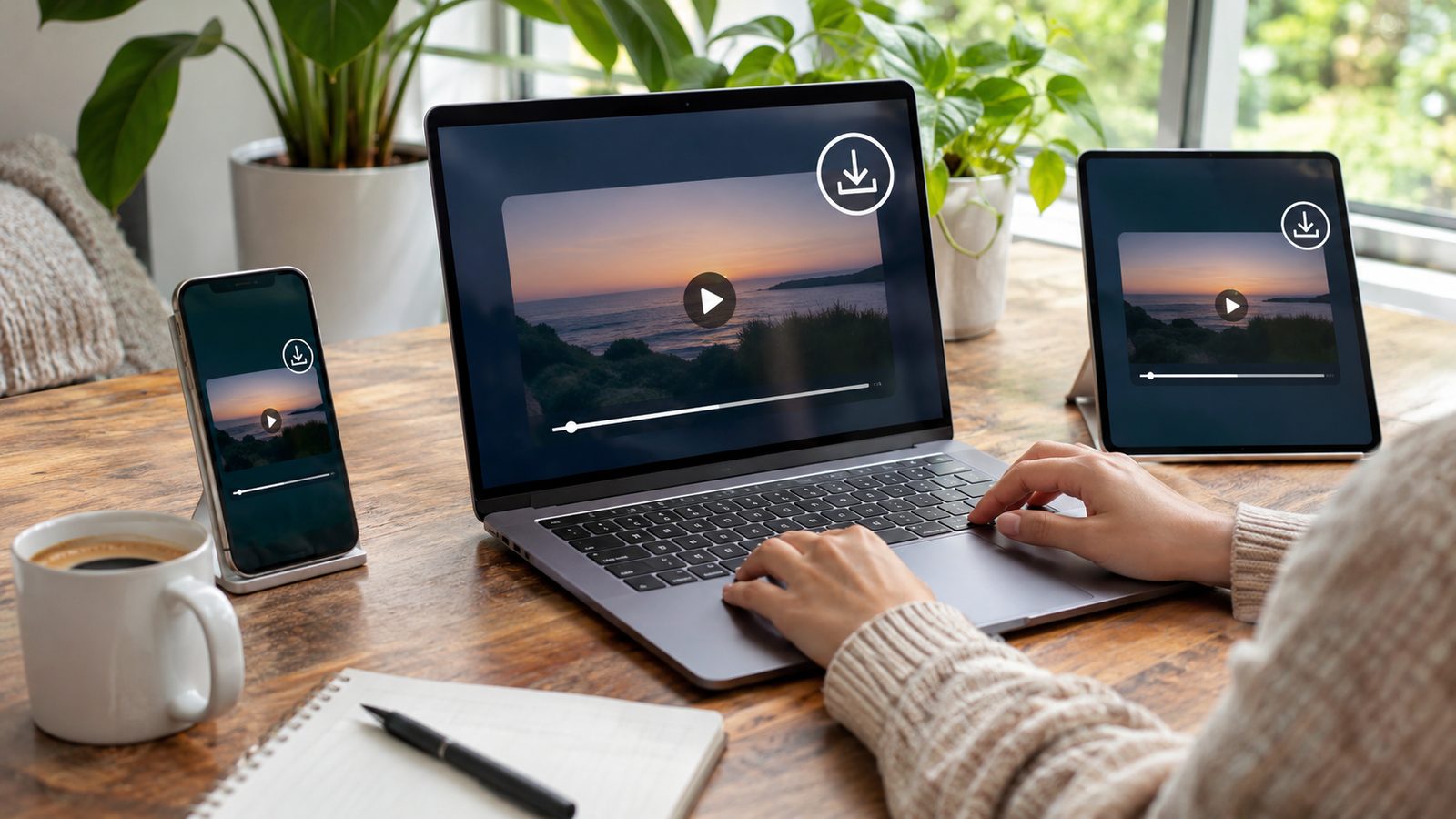
Saving a public Tumblr clip can be simple when you have the correct post link. A Tumblr video downloader usually works by reading that public URL and finding the available media file. You can then save the file to your phone, tablet, Mac, or Windows computer. Quick answer: Open the Tumblr post, copy its permalink, and paste that address into a trusted online downloader. Choose the available video format, then save the file to your device. Only save content you own, have permission to download, or can legally reuse.
| What you need | What to know |
|---|---|
| Tumblr link | Use the permalink for the individual public post |
| Device | iPhone, Android, Windows, and Mac can use browser-based tools |
| Typical format | Native Tumblr videos are commonly available as MP4 files |
| Login | A reputable public-post downloader should not need your Tumblr password |
| Private posts | Restricted or inaccessible posts may not work |
| Embedded videos | YouTube, Vimeo, and other embeds may require the original platform |
| File location | Check Files or Downloads after saving |
What You Need Before Downloading a Tumblr Video
Start with the individual Tumblr post containing the video you want. Avoid copying a profile page, dashboard feed, search page, or unrelated reblog page. Tumblr’s official sharing controls let users copy a post permalink from the share menu. You also need a current browser and enough free storage for the file. Browser-based downloaders generally avoid installing extra software or extensions. That approach can also reduce unnecessary permissions on your device. Never enter your Tumblr password into an unrelated downloading website. A tool processing a normal public URL should not need account credentials. Close the page if it requests unrelated personal details or browser permissions.
How to Use a Tumblr Video Downloader in 3 Steps
The basic process is similar across current phones and computers. Browser menus can look different, but the required information remains the post permalink. Follow these steps in order.
1. Copy the Tumblr post link. Open the exact post containing the video. Use Tumblr’s share option and choose the command that copies the permalink. 2. Paste the link into the downloader. Open your chosen browser-based tool and paste the copied address. Let the service inspect the public post for available media. 3. Save the available video file. Select the offered video option and start the download. Check your normal Downloads or Files location when it finishes.
If several versions appear, choose the quality that matches your needs. A downloader cannot create detail that Tumblr never received or served. Tumblr says uploaded videos are transcoded and recompressed on its platform.
How to Save Tumblr Videos on iPhone or iPad
Open the Tumblr app or website and locate the individual post first. Use the share control to copy its permalink. Then open your chosen downloader in Safari and paste the link. After Safari downloads the video, check the Files app for the saved file. The exact folder can depend on your Safari download settings. Technoloss explains these locations in its guide about where downloaded files are stored. You may need to move a downloaded video from Files into Photos afterward. Open the file and use the iOS sharing options when that choice is available. Keeping the original file in Files can also make later organization easier.
How to Download Tumblr Videos on Android
Find the post in Tumblr and copy its public permalink. Open Chrome or another trusted browser, then paste the link into the downloading service. Select the available video file and approve the browser download. Android commonly places browser downloads in a Downloads folder. You can usually reach it through Files or your phone maker’s file manager. Technoloss’s download-location guide covers Android, browsers, computers, and Apple devices. If the file does not appear immediately, check the browser’s download history. Search by date when the generated filename is unclear. Avoid repeating the download until you confirm whether the first file already exists.
How to Save a Tumblr Video on Windows or Mac
Desktop browsers use almost the same process as mobile browsers. Copy the exact Tumblr post address and paste it into the downloading page. Choose the available video option and save it when your browser prompts you. Windows normally sends browser files to its Downloads folder unless you changed that setting. Macs commonly use the Downloads folder shown in Finder. Browser download history can reveal the saved location if you cannot find the file. Rename downloaded clips when their automatic filenames are difficult to recognize. A short descriptive name will make the file easier to find later. Creators organizing reference clips may also find Technoloss’s video blogging guide useful.
Why Some Tumblr Video Downloads Do Not Work
A failed download does not always mean the downloading service is broken. The post may be deleted, private, restricted, or unavailable to logged-out visitors. Start by opening the copied link directly in a private browser window. The post may also contain an embedded video hosted somewhere else. Tumblr officially allows creators to embed videos using links from outside services. In that situation, Tumblr may contain the post while another platform hosts the actual media. Content labels can affect who can view particular posts as well. Tumblr lets users hide, overlay, or display labeled content according to account settings. Some restricted material therefore cannot be fetched through a public, logged-out request. Connection problems are another possibility when every link fails. Try another website and confirm that your internet connection works normally. Technoloss’s guide to fixing “this site can’t be reached” errors provides browser and network troubleshooting steps.

How to Choose a Safer Tumblr Downloader
Choose a tool that works from a public post URL without requesting your account password. HTTPS should be present, and the page should clearly explain what it processes. Avoid pages that force unrelated software installations before showing a download option. Be careful with misleading advertisements that resemble download buttons. Read the button label and destination before clicking it. Closing a page is safer than approving notifications, extensions, or files you did not request. Browser extensions deserve extra attention because they may request access to Tumblr pages. Review their publisher, permissions, update history, and recent user feedback before installation. A simple browser-based service may need fewer persistent permissions.
Can You Download Every Video Posted on Tumblr?
No method can guarantee access to every post. Deleted, private, restricted, or unavailable posts can prevent a downloader from reaching the media. External embeds can also require a different method. Quality also depends on the source available through Tumblr. Tumblr states that uploaded videos are transcoded and recompressed. A downloading service cannot restore detail that was already lost during that processing. GIF-like posts can create another source of confusion. Some animated content may be delivered in video form rather than as a traditional GIF file. Check the resulting format before assuming the download failed.
Downloading Your Own Tumblr Blog Is Different
Use Tumblr’s official export system when you need a backup of your own blog. Tumblr can create a downloadable ZIP containing posts and uploaded media. The feature is available through blog settings on the web. This method is better suited to full-blog archiving than saving individual posts manually. Tumblr says exports can include a Media folder containing uploaded images and videos. Each blog must be exported separately. A single-post downloader still has a purpose when you need one accessible clip. It is faster than preparing an entire account export for one file. Match the method to what you are trying to save.
Copyright and Responsible Use
Being able to save a file does not automatically give you permission to republish it. Keep copyright, creator permission, licensing terms, and the intended use in mind. This matters especially when you plan to repost or monetize someone else’s work. Saving your own uploads is the clearest use case. Content with explicit reuse permission can also be appropriate. When ownership is unclear, ask the creator before publishing the downloaded material elsewhere. Attribution does not automatically replace permission. It can identify the creator, but copyright rights may still apply. Use downloaded media responsibly and follow applicable U.S. law and platform rules.
Frequently Asked Questions
Is a Tumblr video downloader free?
Many browser-based services offer free downloading for public posts. Their limits, advertising, supported formats, and privacy practices can differ. Review the service before giving it access to anything beyond a public URL.
Do I need a Tumblr account to download a public video?
A normal public post can often be processed from its permalink alone. You should be cautious if an unrelated website asks for your Tumblr password. Restricted posts may still require legitimate Tumblr access before you can view them.
Why can’t I download a Tumblr video?
The post may be private, deleted, restricted, or incorrectly linked. It may also contain a YouTube, Vimeo, or other external embed. Open the permalink directly to identify which situation applies.
Where does a downloaded Tumblr video go?
Windows and Mac commonly place browser files inside Downloads. Android usually uses Downloads through a Files application, while iPhone downloads can appear in Files. Your browser settings can change the destination.
Can I download Tumblr videos in HD?
You can only select quality that exists for the source file being served. Tumblr recompresses uploaded videos, so the available file may differ from the creator’s original. A downloader cannot reliably create missing image detail.
Can I save my entire Tumblr blog at once?
Yes, if it is your blog and you use Tumblr’s built-in export feature. Tumblr packages eligible blog content and uploaded media into a downloadable backup. That approach is more suitable than saving dozens of posts individually.
Save the Right Post and Keep the File Organized
Start with the exact public post permalink and use a downloader that does not request unnecessary credentials. Save only material you have a legitimate reason and right to download. Check your Downloads or Files folder after the browser finishes. For a complete personal-blog backup, use Tumblr’s official export feature instead. For one accessible video, the three-step method above is usually the simpler approach. Rename useful files after saving them so you can find them again. —